Camera Motion Prompts for AI Video Models
Precise camera language and structured prompts unlock better results from AI video models.
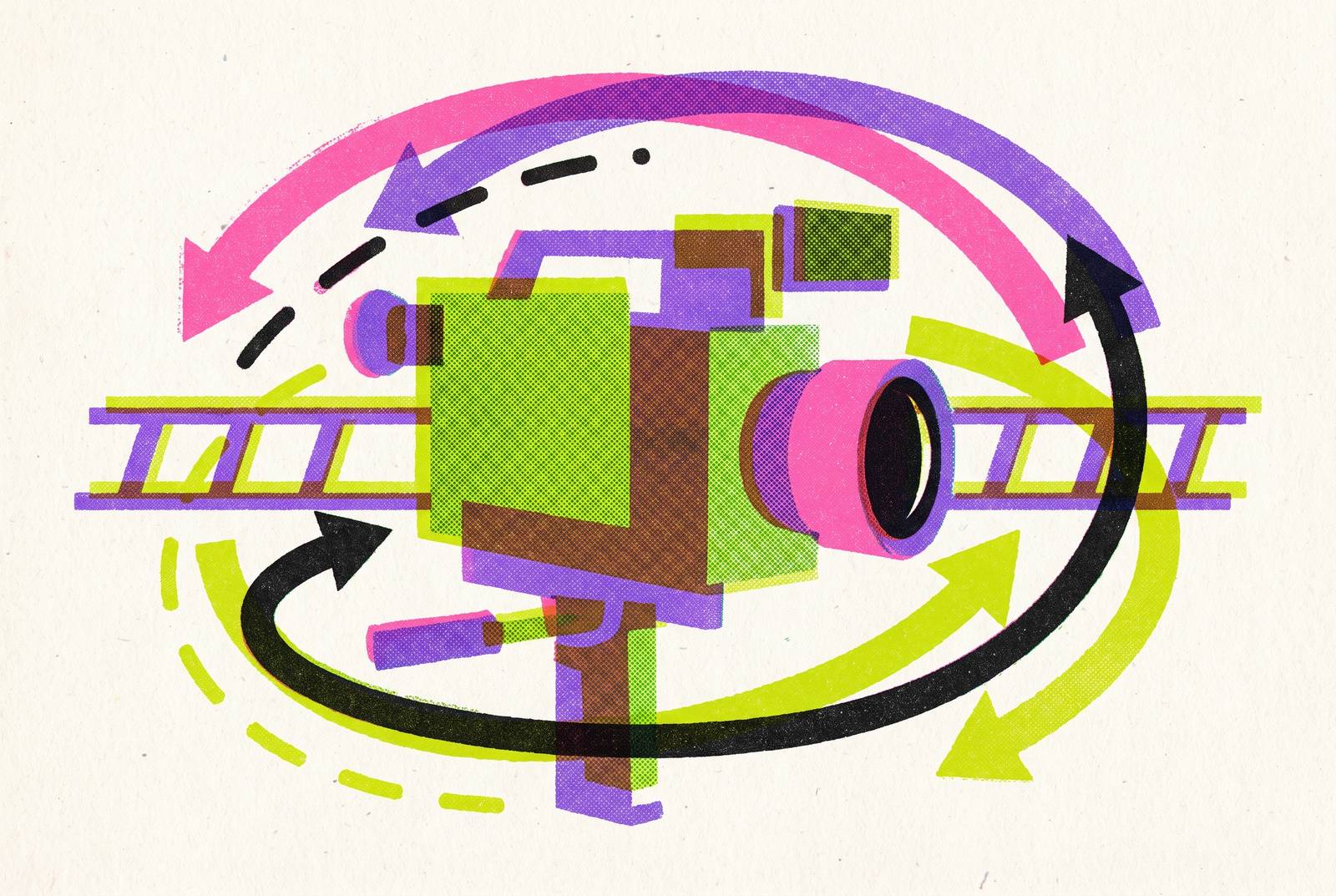
Every camera prompt that works has four pieces bolted together: the movement and its speed, the subject and what it's doing, what the move reveals as it happens, and the narrative reason behind it. Skip one, and the model fills the gap with its own guess, and that guess is rarely the one a director would make.
Length alone doesn't fix a weak prompt, even though most people assume it does. A shorter prompt with clear structure routinely outperforms a longer one that lacks it. The full production-grade structure runs six parts: Subject, Action, Camera, Lighting, Environment, Style. Camera is one link in that chain, and treating it as a stand-in for the whole thing is the single most common mistake in these prompts. Lighting needs the same precision as motion: "golden hour backlight with rim light on subject" gives the model something to build, while "good lighting" gives it far less to work with.
Keep subject description and camera description in separate blocks, full stop. Mix them together and the model has to guess which one takes priority, and that guess is where morphing faces and warping backgrounds creep in. Negative prompts carry a similar risk: telling a model "no blur" often adds blur anyway, since the model still has to picture blur just to negate it. The claim was tested a handful of times before being trusted as a rule rather than a coincidence — "tack sharp focus throughout" gets a reliable result far more consistently than "no blur," which is reason enough to drop negative prompting rather than lean on it carefully.
The core camera move vocabulary: what each term does and when to use it
Atlabs AI has catalogued 38 distinct camera movements across 13 categories, though most of them never show up in real production work. The dozen or so below do, sorted by what they do to the viewer's relationship with the subject.
Closing distance builds intimacy or tension. Dolly In physically moves the camera toward the subject, compressing the background as it goes. A working prompt: "Slow dolly in toward the subject's face, background gently compressing, shallow depth of field, tension building with each second, cinematic 35mm look." Zoom changes focal length while the camera stays put, so background scale never shifts; Dolly changes the camera's actual position, which is why the background does compress. It took a few side-by-side generations to see this clearly, but people mix these two up constantly, and the model won't fix the mistake for you: prompt "zoom in" when you mean dolly, and you get a flat push with none of the depth-of-field falloff that sells the shot.
Widening distance does the opposite job. Pull Back, or Dolly Out, retreats from the subject to show how big or how empty the surrounding space really is. Use it for isolation, or to hand the viewer context they didn't have a second earlier.
Lateral and pivoting moves handle following and surveying. Pan pivots the camera horizontally on a fixed spot, scanning a room or tracking a moving subject. Tilt does the same on the vertical axis, revealing height or setting up a power dynamic between camera and subject. Truck, a tracking shot, moves sideways in parallel with the subject, so the subject holds its size in frame while the environment scrolls past behind it.
Orbital and crane moves carry weight. Orbit circles the subject, and it reads as importance almost instantly, the shot that says look closely, from every side. Crane, or Pedestal Up, rises to reveal scale, often used to close a scene or bridge to the next one. Crane Down reverses it, descending toward the subject for arrival or closeness.
Point-of-view moves put the viewer inside the scene. POV Walk moves forward with the slight bob and sway of an actual gait. Leading Shot has the subject walk toward the camera while the camera retreats at matching speed, so the subject stays locked at the same size the whole time. Handheld adds subtle shake, the visual shorthand for authenticity or urgency.
Stylized moves exist to unsettle or punctuate. Dutch Tilt cants the camera on its roll axis, an old trick for signaling psychological unease. Whip Pan snaps sideways fast enough to blur the middle of the move, good as a transition or a jolt. Crash Zoom rushes the lens at the subject, aggressive on purpose, a staple in action and horror.
Static shots are, oddly, among the hardest instructions to nail, and it took repeated failed attempts to understand why. These models get trained to generate motion, so wide establishing shots and landscape holds are exactly where unwanted drift sneaks in, and every move, static or not, needs a speed and easing word attached: slow, fast, ease in, ease out, gradual, snap. That one word often separates a directed-feeling move from one that reads as accidental.
Multi-phase camera moves and how to describe them without confusing the model
Earlier-generation models could hold one move per clip. Stack two or three movement verbs together and they'd blend into aimless drift: "Pan left then crane up then arc around" reads fine to a person, but it hands the model a pile of verbs with no spatial logic tying them together.
Describe what becomes visible at each phase instead of listing the verbs that get you there. Name the new spatial relationship at each step: what's now in frame, what just left it, how the scale has shifted. That gives the model a sequence of states to build toward, keeping commands tied to a clear outcome rather than run blind.
Two-phase moves hold up more reliably than longer sequences in practice. Three-phase moves need tight, careful phrasing, and longer sequences may be more manageable as separate clips stitched together after the fact rather than trusted to a single generation. This kind of layered prompt earns its keep in product reveals, architectural walkthroughs, and any scene that has to build toward a reveal instead of cutting to one.
How Veo 3, Sora 2, Kling 3, and other leading models interpret camera prompts differently
Sora 2, Veo 3.1, and Kling 3.0 sit at roughly the same tier for cinematic output, so the differences aren't really about quality. They're about how each one reads prompt language and where each has its own edge, and picking the wrong one for the job costs more time than a bad prompt does.
Sora 2's strength is physical simulation. Liquids pour the way liquids actually pour, fabric drapes with real weight, light refracts correctly, and multi-object collisions resolve clean instead of glitching. Camera language lands well here: prompt a slow dolly-in, a whip pan, a handheld feel, and the output reads like a working cinematographer shot it. Access sits behind fairly tight quota limits through ChatGPT Plus and Pro, while the API runs $0.10 per second, with Sora-2-Pro at $0.30 to $0.50 per second depending on resolution, as of December 2025.
Veo 3.1 is built for footage that reads like it came off a real set. It outputs at 720p or 1080p, 24fps, in 4 to 8 second clips that extend up to 148 seconds through Flow. It also generates native, synced audio alongside the video, produced in the same pass rather than added afterward.
Kling 3.0's standout trait is instruction-following on camera work specifically, and this is the one to reach for when precision matters more than polish. Push, pull, pan, dolly, follow: describe the move clearly and it tends to deliver exactly that, no more and no less. It also carries the best access economics among the flagship-tier models. The recommended prompt structure runs Subject plus Action plus Setting plus Camera plus Style, with specific lighting call-outs like volumetric lighting, rim lights, or god rays doing real work in the output.
A few more worth knowing. Seedance 2.0, from ByteDance, generates audio and video jointly, so synced sound comes out of the same generation pass with no separate dubbing step, and it also natively runs 15-second clips against Kling's 8 seconds, which means fewer scene cuts and fewer chances for consistency to break down across a longer shot. Luma's Dream Machine, on the Ray 3 model, is a strong value pick for image-to-video work where motion needs to respect physics without enterprise pricing attached. Wan 2.6 leads on cinematic multi-shot narrative, and it rewards a workflow where every shot gets planned out ahead of generation instead of improvised on the fly.
The same dolly-in prompt comes out grounded and physical in Sora 2, polished and photoreal in Veo 3.1, cleanly and neutrally executed in Kling 3.0. Pick the register the project needs before a single prompt gets written, not after. Static-lock prompts matter more on models tuned hard for motion; the "hold still" instruction carries more weight on some models than others, and skipping that line on the wrong model is how a shot that was supposed to sit still ends up drifting instead.
Camera prompting for image-to-video and multi-modal inputs
Image-to-video is a different job entirely. The image locks down identity, and the prompt's only task is controlling motion without disturbing what's already fixed in the frame.
That means every image-to-video prompt needs two things: the camera motion instruction, and an identity preservation line. Something like: "Animate this product image with a slow camera orbit and subtle light movement. Preserve product shape, color, and background." Drop that second sentence and the model commonly drifts the product's shape, color, or texture while it's busy adding motion. This is the failure mode nobody budgets time for: a clean orbit around a bottle that quietly reshapes the label by the third second.
Modern models also take multi-modal input beyond a single image: a written prompt paired with a reference image, an audio track, and control signals like depth maps or pose skeletons. Depth maps hand the model real spatial information, which makes dolly and orbit moves track more physically. Pose skeletons anchor a human figure in place, so handheld shake or a leading-shot move doesn't warp the anatomy underneath it.
For ecommerce and product video, orbit and slow dolly-in are the two moves best suited for showing off a physical object, and there's little reason to reach past them for anything fancier. Pair either one with an explicit lighting instruction, something like "soft studio key from camera left, subtle rim light," and the output starts closing in on what retail photography already delivers. Storyboard-to-video workflows extend this same logic panel by panel: each panel becomes its own image-to-video input, with its own camera prompt attached, giving shot-level control across a full multi-scene piece.
Building a repeatable prompt system across a multi-model production workflow
A 2026-era AI video production rarely comes out of one model, and treating it like it should is where a lot of workflows waste time and money. A 60-second piece might route through three: one model for the cinematic establishing shot, a faster one for quick B-roll iteration, and an avatar-based tool for any talking-head segment.
Assignment follows shot type pretty directly. Cinematic hero shots, the slow dolly, the crane, the orbit, go to flagship realism models like Veo 3.1 or Sora 2. Fast iteration and B-roll go to whichever model makes multiple takes cheap, since volume matters more than polish at that stage of a project. Talking-head and explainer segments are usually better served by AI avatars using a cloned or stock voice; getting reliable lip-sync out of a general motion model prompted for dialogue is a much harder ask than it sounds, and it shows up in the output as a mouth that almost matches the words.
Underneath all of it sits a three-layer stack: storyboard, where shots exist as static images; the generation model itself, the diffusion transformer turning prompts into frames; and orchestration, the agent layer that chains scenes together, extends clips, and keeps references consistent across a multi-shot project. Reusable prompt templates, camera move plus lighting plus style, locked into a repeatable format, let a team hold visual consistency across dozens of shots and multiple sessions, instead of rethinking every choice from scratch each time.
VideoGen brings Veo, Kling, Sora, and other leading models into one interface, so a shot can get routed to whichever model fits it without juggling separate accounts or exporting footage between tools. The vocabulary in this piece applies directly inside that kind of setup.
The market underneath all this is moving fast, and it's not a gentle curve. AI video generation tools were valued between $788 million and $847 million in 2025, with projections putting the market at $18.6 billion by the end of 2026. Building a repeatable prompt system now means building ahead of a curve that's about to get a lot steeper than most teams are planning for.
A ready-to-use camera motion prompt reference organized by use case
Most creators know their goal before they know the name of the move that gets them there, so here's the vocabulary sorted by what you're actually trying to make.
Product reveal or ecommerce: slow orbit, dolly in to a detail shot, or a static frame with motion confined to the subject alone.
Emotional or narrative scene: dolly in for building tension, pull back for isolation, Dutch tilt for unease, handheld for urgency.
Architecture or environment: crane up for scale, a locked-down wide static shot, or a POV walk-through for immersion.
Action or energy: whip pan, crash zoom, fast handheld, or a leading shot to keep pace with a moving subject.
Interview or talking head: a static lock with an explicit motionless reinforcement line in the prompt, plus a subtle rack focus if the model supports it.
Cinematic opener: crane up into a wide establishing shot, then a slow dolly toward the subject once the space has been revealed.
Each one of these pairs with the four-part structure from the opening section: name the move, name the subject, name what gets revealed, and give the camera a reason to be moving at all. That last part is the one most prompts skip, and after running enough of these side by side, it's the one that clearly separates a shot that feels directed from one that just happens to have motion in it.