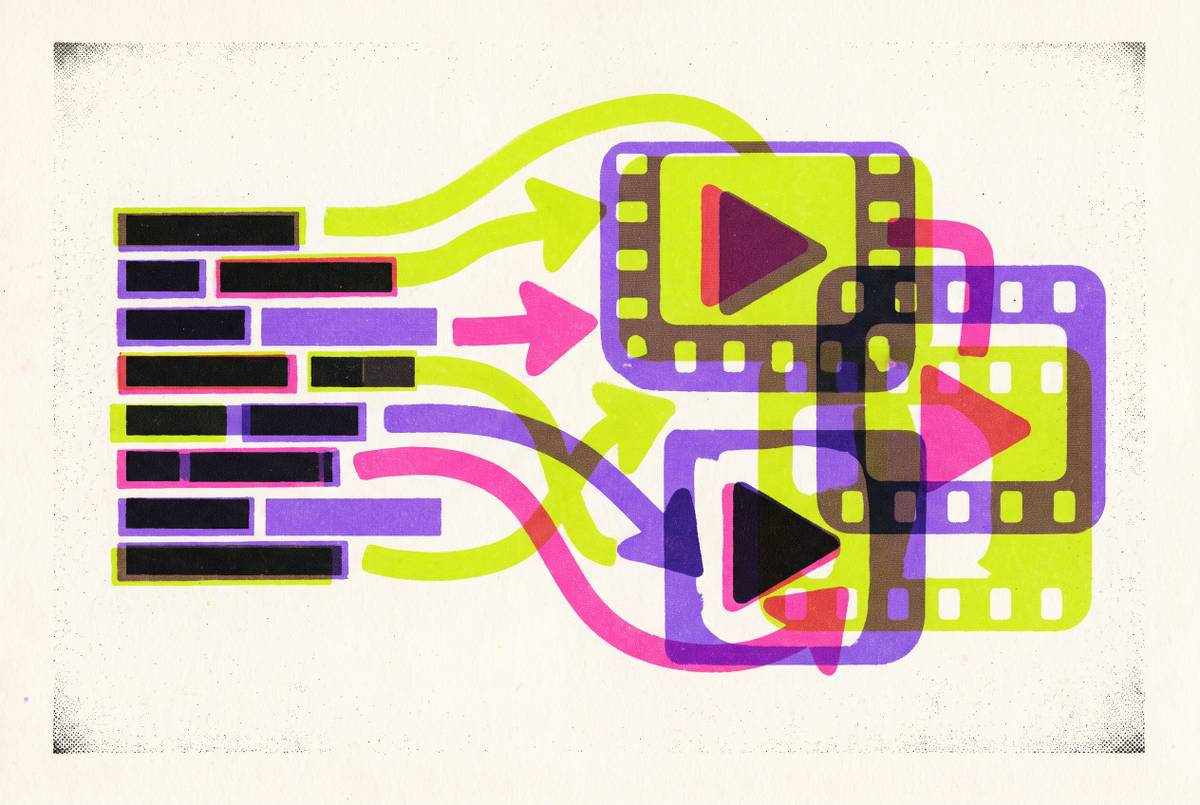
AI Video Production Workflow for Solo Freelance Marketers
AI tools handle production logistics, but you still need creative discipline at every stage.
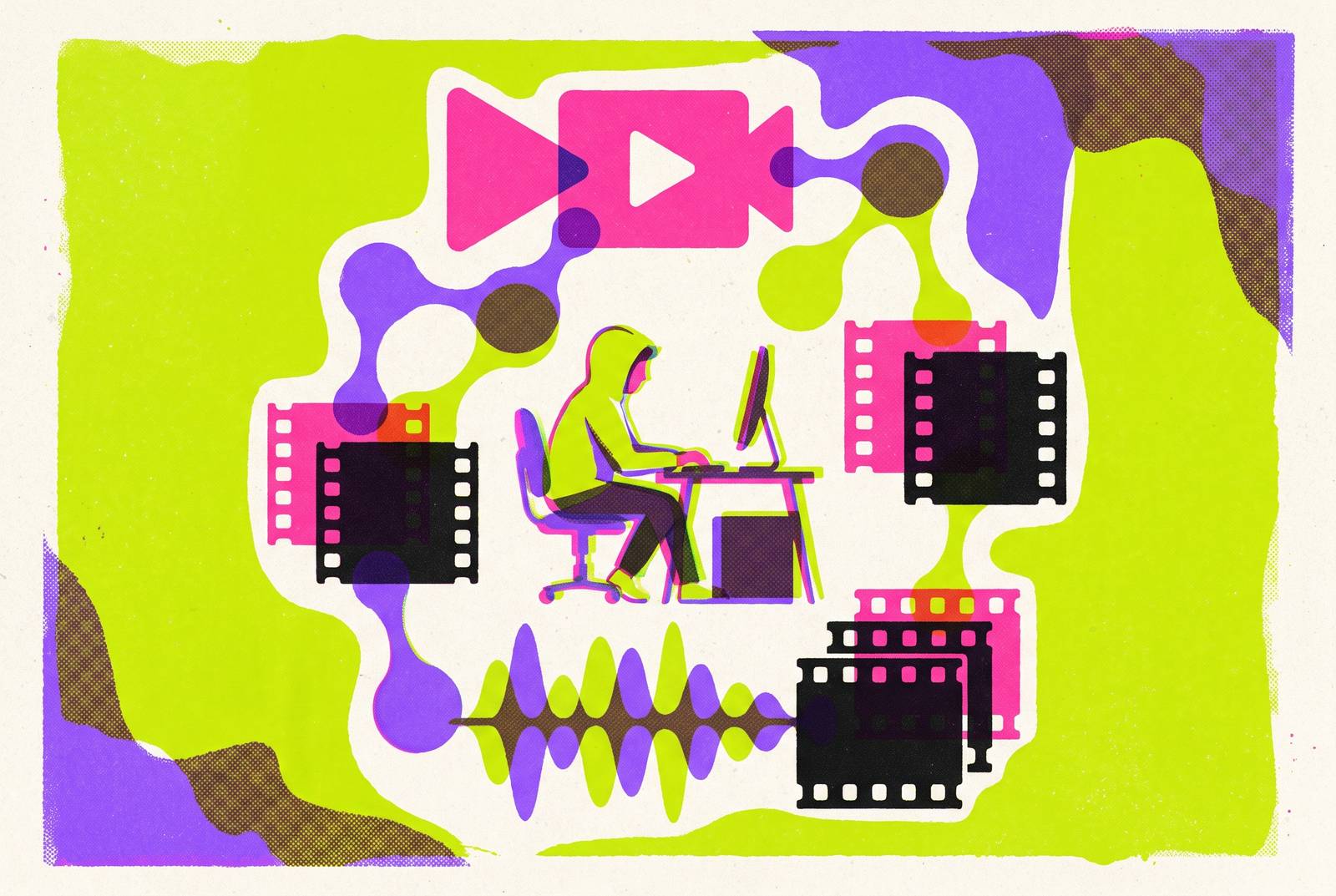
What the solo AI video workflow replaces, and what it does not
A 60-second marketing video used to mean a camera operator, lighting gear, a location, actors, an editor, and weeks of review. That production could run $10,000 to $15,000 and eat a month of calendar time. AI collapses each of those roles into a stage one person can run solo, from a laptop, in a single afternoon if the brief is tight enough.
The workflow still has to exist, though. Most freelancers who try this get one thing backwards: they treat the AI tools as the workflow itself, when the tools are just stages inside it. Skipping a stage, especially the brief or the storyboard, produces a predictable result: vague input in, expensive mess out. AI doesn't replace creative judgment, and it doesn't replace the discipline of writing a clear brief or reviewing footage with a critical eye. The tools generate. The freelancer directs, edits, and decides what actually ships to the client.
The brief doesn't need to be complicated to work. Three questions settle it: what the video is about, who it's for, and where it runs. Freelancers who overcomplicate this step are usually stalling on the one part of the job that actually requires judgment, dressing up hesitation as thoroughness.
Stage 1: turning a client brief into a production-ready document
Lock the constraints before touching a single tool. Brand colors, product facts, whose face appears on screen, what legal claims can and can't be made, exact spelling of names and terms, export dimensions. Fixing a wrong claim after ten clips are already generated costs far more than catching it on paper.
Platform choice drives format from day one, not at export time. YouTube wants 16:9. Reels and TikTok want 9:16. A LinkedIn feed post wants 1:1. Get this backwards and the whole shoot needs a redo, not a crop.
Length follows the same logic. YouTube Shorts and TikTok both reward brevity, so keeping clips short is the default starting point. Picking the platform first determines the length and aspect ratio.
The brief document itself covers five things. The goal spells out what the viewer does right after watching. The audience matters because a CFO and a college sophomore need entirely different scripts, not just a different tone dial. Tone, length, and aspect ratio round out the rest. A working prompt template then pulls all five into one paragraph: product or topic, audience, tone, a structure of hook, problem, solution, proof, call to action, plus notes on visual direction. That paragraph becomes the spine every later stage builds from.
Stage 2: generating the script and storyboard with AI
Script drafting happens in ChatGPT or Claude, with brand voice, the brief, and the hook-problem-solution-proof-CTA structure fed straight into the prompt.
Storyboarding comes next, using an image model like Midjourney, DALL-E 3, Flux 2 Pro, or Imagen 4 to generate four to six key frames that lock the visual direction before a single video clip gets made.
Below five videos a month, skipping the storyboard and prompting a video model directly is cheap enough to get away with. The cost of a wrong take stays negligible at that volume. Below five videos a month, skipping the storyboard and prompting a video model directly is cheap enough to get away with. Past five a month, that same shortcut compounds across a whole slate, and skipping the storyboard turns into real money burned on generations that miss the visual target. The storyboard is what turns Stage 3 into a routing decision instead of a guessing game.
Midjourney's output runs stylized, high-contrast, dramatic in composition, and that look behaves differently once fed into a video model than a flatter, more photorealistic frame would. Pick the image tool with the downstream video model already in mind. Choosing it in isolation is how a freelancer ends up with gorgeous key frames that a video model can't translate.
Stage 3: routing shots to the right AI video model
No single AI video model handles everything well, and forcing one model to carry a whole 60-second piece is the second most common mistake in this workflow. Commit to one brief, then send each shot to whichever model actually does that job best. A finished piece touching three separate video models is normal.
Fast B-roll and cutaway shots reward speed and low cost over polish. Kling 3.0 fits here, built for rapid iteration, letting a freelancer burn five cheap takes and keep the best one. B-roll rarely needs to be perfect on the first try, so paying for a premium model on this shot type is money wasted, plain and simple.
Talking-head and explainer segments belong on dedicated AI avatar tools, which handle lip-sync and message delivery more reliably than general-purpose generative video models. If a shot calls for a talking head, the avatar tool is where it gets made. The mistake of sending that shot to a general video model instead of a dedicated avatar tool appears first in client feedback, usually as "something looks off with the mouth."
Stage 4: post-production: voice, music, captions, and assembly
Raw clips out of any video model are not a finished product. Assembly is where sound, pacing, and rhythm choices reveal a freelancer's actual production identity, separating a passable AI video from one that holds attention past the first three seconds.
Voiceover has two solid paths. ElevenLabs handles text-to-speech and voice cloning. PlayHT offers a second text-to-speech pipeline for freelancers who want a different voice library or a backup option. When Stage 3 already routed a shot through an AI avatar tool, lip-sync comes handled natively, so there's no separate voice-matching step to run.
CapCut fits the fast, feed-native side of editing: quick cuts, caption generation, formatting built for social platforms rather than long-form broadcast work.
Music and sound effects come from generative tools like Suno and Udio. The real advantage isn't speed, it's that music generated this way comes free of the licensing headaches that have dogged content producers for years. No searching stock libraries, no worrying about a takedown strike three months later because a track's license lapsed.
Stage 5: multiplying one master video into a full asset library
This is where the workflow shifts from making one video to making twenty, and it's the stage that actually changes a freelancer's business model, not just the toolkit sitting on their desktop.
Localization is the biggest lever available. One master video in a single language becomes twenty regional versions without a reshoot: run it through dubbing and translation, resync an avatar's lip movement to the new language, swap the on-screen text. The marginal cost of a Spanish, Arabic, or Vietnamese version comes down to minutes of processing.
Format derivatives follow the same logic. A landscape master needs a vertical cut for TikTok and Reels, a square version for certain feed placements, and a handful of trimmed 5-second hooks for paid ads, all pulled from the same source file instead of reshot per platform.
Length calibration happens on export. YouTube Shorts and TikTok both favor short runtimes, so calibrate length to what each platform's norms reward. Each platform rewards content sized to its own norms.
Before anything ships, an export checklist catches the details that ruin an otherwise good video: crop safety so nothing important gets cut off, mobile readability for on-screen text, safe zones around platform UI elements, correct file format, and a clear sense of how hard each platform compresses video after upload.
The solo freelancer's unit economics
Every stage above trades a five-figure production budget and a month of lead time for a stack of monthly software subscriptions and a few hours of one person's attention. That's the trade sitting at the center of the whole workflow.
The output side is where most freelancers underprice themselves. One master video, run through Stage 5's localization and format-derivative process, stops being a single deliverable. It sells as a landscape cut, a vertical cut, a square cut, a handful of trimmed ad hooks, and however many language versions a client's market needs. A freelancer who used to invoice for one video now invoices for a library, built from the same script and the same shoot.
None of that removes the judgment calls. Picking the right video model for a shot, catching a script that drifts off-brand, deciding a generated clip needs a second pass: these are decisions a person makes, not something a tool decides on its own. The AI collapses the labor. It doesn't collapse the responsibility for the result. Freelancers who skip the brief, skip the storyboard, or route every shot to one model out of familiarity end up competing on price instead of on judgment, and judgment is the one part of this job that was never for sale.